.webp)




.svg)

Key Takeaways (TL;DR)
Conversation intelligence tools solve different problems. Some focus on notes and transcripts, some on coaching, and a smaller group connects conversations to pipeline and forecasting.
- EchoIQ: best for deal reviews, pipeline visibility, and forecasting
- Gong, Chorus, Clari Copilot: best for enterprise coaching and call scoring
- Jiminny, Avoma: best mid-market coaching without enterprise pricing
- Salesloft: best if conversation intelligence should live inside your sequencing platform
- Fireflies, Granola: best for transcripts, summaries, and simple meeting search
- Compare CRM automation, search, scorecards, integrations, and total annual cost before choosing
The right tool is the one that fixes what happens after the call, not just the one that records it.
Choosing conversation intelligence software gets harder when every tool promises call summaries, coaching, and CRM updates. You need to know what those features actually include, which plan you need, and whether they solve the problem your team is buying for.
This guide compares nine tools across call review, coaching, CRM workflows, and cost. If you mainly need meeting summaries, our AI note taker comparison covers that use case in more detail.
Best conversation intelligence software compared
Most teams are deciding between three things: how much of the call review happens automatically, how much reaches CRM without a rep typing it, and what the tool costs before a sales conversation starts.
How we evaluated these tools
We reviewed each vendor’s current product documentation, pricing pages, and recent user feedback on G2 and TrustRadius.
We compared the tools on five things:
- Call capture and analysis
- Coaching and scorecards
- Search across recorded conversations
- CRM and revenue workflow depth
- Pricing and total cost
We gave more weight to what happens after the call than to transcription alone: what reaches CRM, what managers can act on, and how much manual work is left for the rep.
Disclosure: EchoIQ is built by MaxIQ, which publishes this blog. We list it first because it is the product we know best, but it is not the right fit for every team.
What is conversation intelligence software?
Conversation intelligence software records sales calls, transcribes them, and uses AI call analysis to understand what was said.
The recording is not the point. The point is that a manager can find every deal where budget came up and was never confirmed, without listening to a single call end to end.
Sales teams have hundreds of these conversations a month and keep almost none of them. What a buyer said in week two was gone by week six. Managers coached from memory. CRM held whatever the rep had time to type.
How it actually works
Four things happen in sequence.
Capture. The tool joins the meeting as a participant, or records through the dialer, or listens locally on the rep's device. Zoom, Teams, Google Meet, and most dialers are covered by every tool on this list.
Transcription and speaker separation. The audio becomes text, with each speaker identified. Multilingual support varies more than vendors admit, so test it if your team sells outside English.
Analysis. This is where tools diverge. The software looks for topics, objections, competitor mentions, pricing discussion, talk-to-listen ratio, question count, and next steps. Some score the call against a methodology like MEDDIC or SPICED. Some flag risk signals.
Distribution. The output has to go somewhere useful. A call summary in a call library is worth far less than a CRM field that updates itself, a coaching flag in a manager's queue, or a deal risk score in a forecast review.
Most teams underestimate that last step. It is where the money is either made or wasted.
Where conversation intelligence tools differ
Recording and notes. Capture the call, create the transcript, write a clear summary. For teams that mainly need a reliable record of customer conversations, that is enough.
Coaching and performance. Score calls against a rubric, highlight weak discovery and missed questions, and let managers review more conversations without listening to every minute.
Deal and revenue intelligence. Connect what buyers say to CRM, pipeline reviews, forecast decisions, and the next action the team should take.
Three different products. One category name. That single fact causes more bad purchases in this category than anything else.
Conversation intelligence vs. revenue intelligence vs. call recording
A buyer asks all three vendors the same question in a demo and gets the same answer. Yes, we record calls. Yes, we have AI. Yes, we integrate with Salesforce. Then the contracts come in and one costs $10 a seat while another costs $60,000 a year, and nobody has explained why.
The why is that these are three different products wearing one vocabulary.
Call recording software keeps the meeting. You can play it back. It may give you a transcript. That is the whole job, and for compliance teams and training archives, it is enough.
Conversation intelligence is what this article is about. It reads the transcript so you do not have to. Which objection came up. When the competitor was mentioned. How long the rep talked versus listened. One call, or five hundred.
Revenue intelligence starts where the call ends. It takes what was said and puts it next to everything else the deal is doing CRM history, email activity, product usage, pipeline stage and asks a harder question: is this deal actually going to close?
So the quick way to know what you are shopping for. If you keep asking what did the buyer say, you need conversation intelligence. If you keep asking why does the forecast keep missing, you need revenue intelligence, and a conversation tool alone will disappoint you.
Most vendors on this list sit somewhere between the two rather than cleanly at one end
Key features of conversation intelligence software
Five capabilities separate the tools in this category:
- Call capture and transcription. Recording across Zoom, Meet, Teams and dialer calls, with speaker identification and accurate transcripts.
- Coaching and call review. Call scoring against a methodology, scorecards a manager can build without admin help, and rep-to-rep comparison.
- Conversation search. Finding objections, competitor mentions, pricing discussions and customer questions across the full call library, not just inside one meeting.
- CRM and revenue workflows. Whether insights stay in a call library or connect to active opportunities, pipeline reviews and forecasting.
- Pricing and team fit. Published rates versus quote-only, and how much setup the product needs before it earns its cost.
Top 9 Conversation Intelligence Tools for 2026
1) EchoIQ (by MaxIQ)
.avif)
Best for: revenue teams that want conversation intelligence connected to CRM, pipeline reviews, forecasting, and deal execution.
Some teams only need clean notes after a call. EchoIQ is built for the teams that need more than that.
The problem usually shows up later, in a pipeline review. The transcript exists. The summary is done. CRM has a next step. But the manager still has to ask: did this deal actually move, or did we just have a good conversation?
That is where EchoIQ fits.
It captures customer conversations across calls, emails, meetings, and notes, then connects those signals back to the opportunity. So the call is not sitting in a separate library while the deal review happens somewhere else.
This matters because deal risk rarely shows up as one big obvious problem. It shows up in small signals. The buyer asks about pricing but never confirms budget. A champion is friendly but cannot explain the decision process. A next step is logged, but it is only another check-in. CRM may look fine, while the conversation tells a weaker story. That gap between recorded activity and real deal velocity is the thing EchoIQ was built to surface.
It also makes the work after the meeting easier. Follow-ups, CRM updates, action items, and next steps can move from the conversation into the systems the team already uses.
Where it is not the right choice. EchoIQ is not the lightest tool on this list. If someone wants personal meeting notes or a searchable call library and nothing more, Granola or Fireflies will get them there faster and cheaper. EchoIQ earns its place when conversations need to feed pipeline inspection, coaching, and forecast confidence.
Pricing / trial: usage-based rather than per seat. Eligible startups can get 12 months free through the MaxIQ Startup Program. A 30-day full-access trial and a 100-hour free tier are both available.
2) Gong
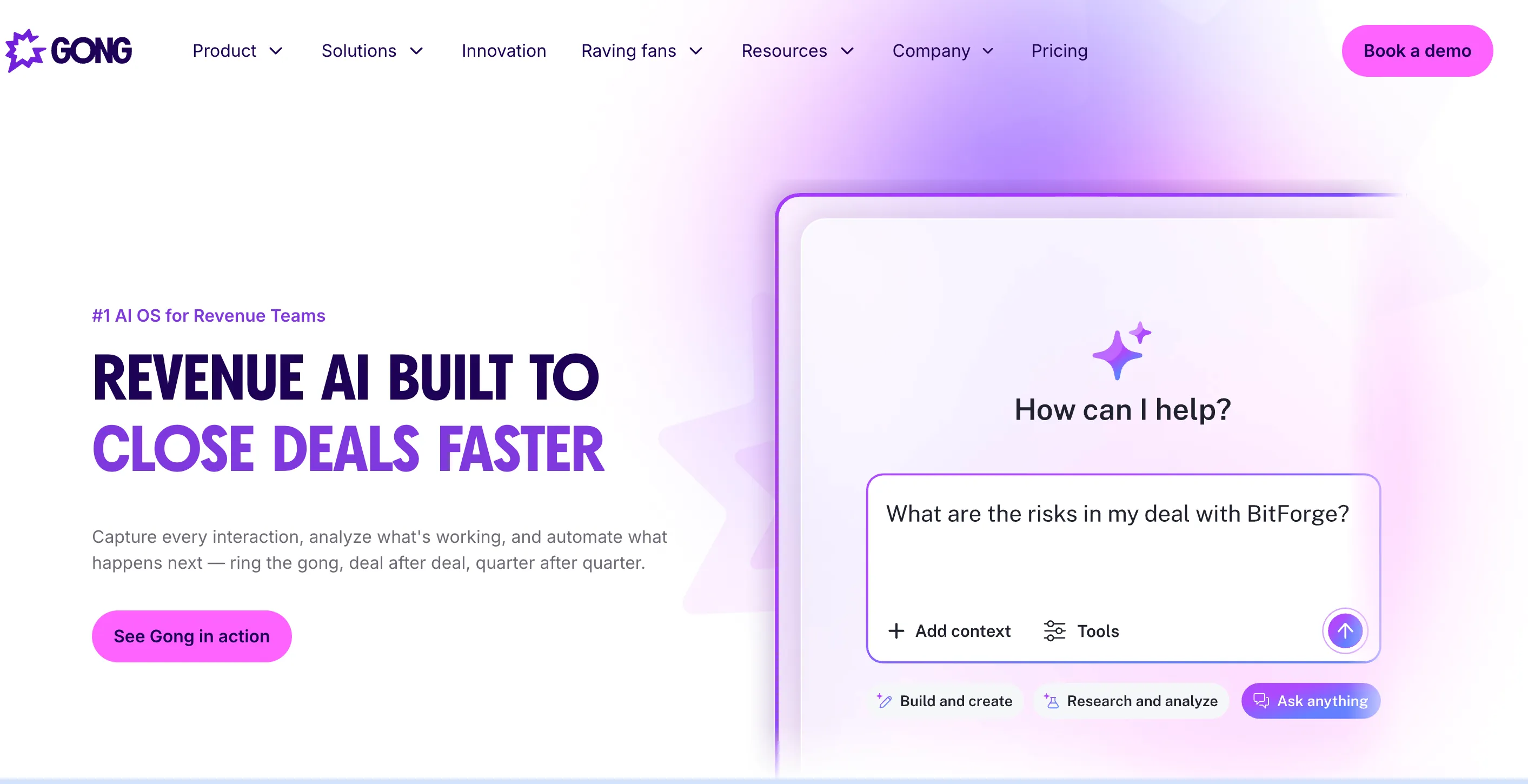
Best for: sales teams with enough call volume and manager time to turn recorded conversations into coaching.
Gong is one of the first names buyers look at when they start comparing conversation intelligence tools.
It is not a lightweight note-taking tool. Gong is built for teams that want to record customer calls, transcribe them, search through them later, and use those conversations to understand how reps are selling.
The value shows up in the normal week-to-week work of a sales team. A manager can open a discovery call and jump to the part where pricing came up. Enablement can save a clip of a rep handling a competitor well. A new hire can listen to real calls instead of learning only from training decks. If the same objection keeps showing up across different accounts, Gong makes that easier to catch.
But Gong only works well when managers actually use it.
If call reviews are already part of the culture, Gong gives the team a lot of useful material. If nobody has time to review calls or share clips, the product quickly becomes a very expensive archive of recordings. If that trade-off is your question, here is how Gong compares to EchoIQ, and here are the strongest Gong alternatives if the cost is the sticking point.
Pricing / trial: custom pricing. Licenses are priced per user with a separate platform fee based on the number of users supported. We break the structure down in detail in our Gong pricing guide.
3) ZoomInfo Chorus
.webp)
Best for: sales and enablement teams that want call recording, coaching playlists, and conversation data inside the ZoomInfo ecosystem.
Chorus has always been close to the sales enablement use case.
A manager is not only trying to know what happened on a call. They are trying to find the few moments worth coaching. Where did the rep lose control of discovery? How was the pricing question handled? Which call should a new rep listen to before their first demo?
That is the kind of work Chorus is useful for. It records calls and meetings, creates transcripts, and makes conversations searchable. Teams can track topics, keywords, competitor mentions, objections, and talk patterns without asking managers to listen to every full call.
The ZoomInfo connection is the bigger reason some teams choose it. If a company already uses ZoomInfo heavily for GTM data, Chorus feels like a natural add-on instead of another separate system.
Where to be careful. Chorus needs managers, enablement, and RevOps to agree on how calls will be reviewed and which trackers matter. Without that agreement, the team captures a lot of calls and changes very little rep behaviour. And if the underlying problem is forecast confidence rather than coaching, compare carefully how much of that work Chorus handles directly.
Pricing / trial: custom pricing. G2 lists it as contact-us, with final cost negotiated with ZoomInfo.
4) Jiminny
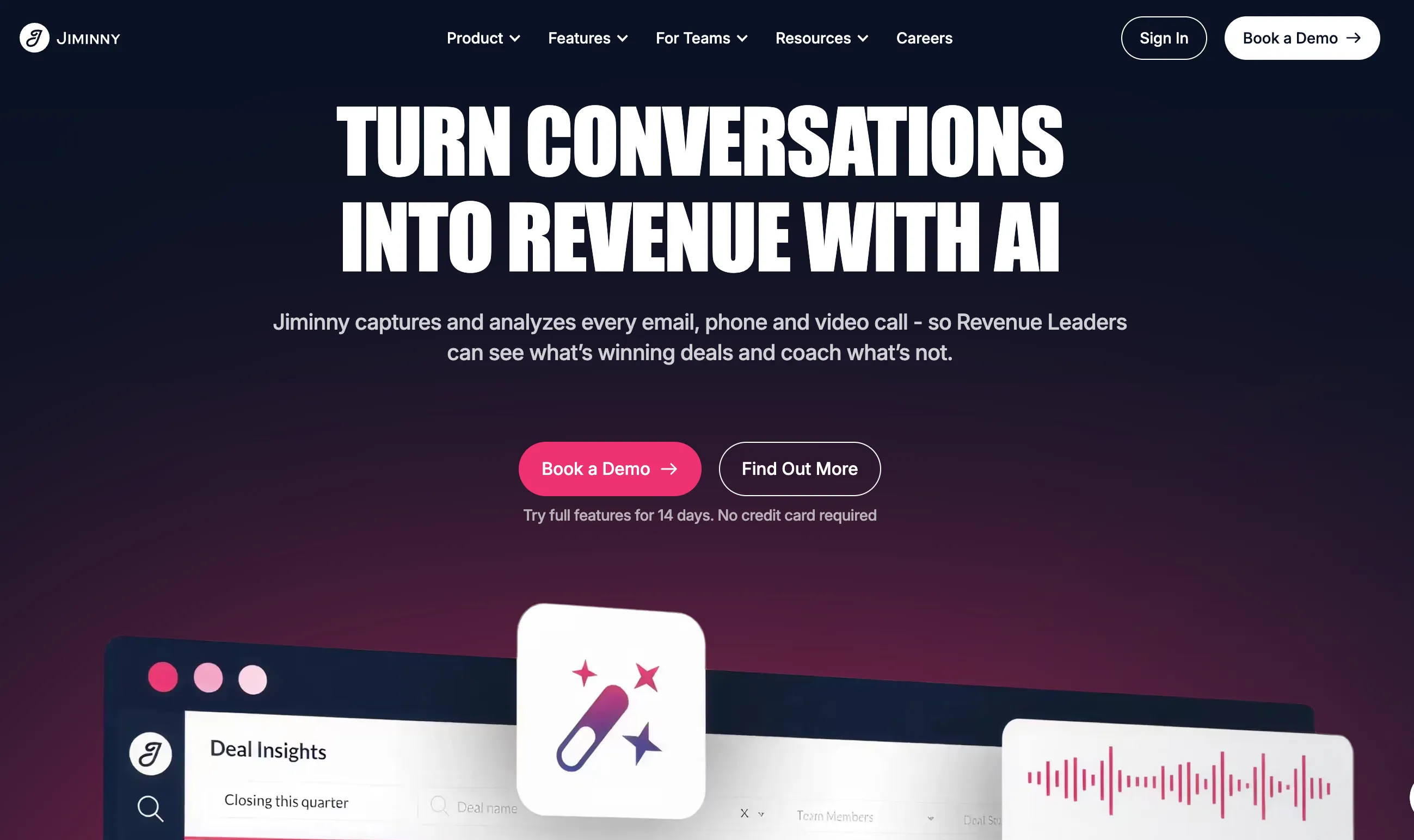
Best for: mid-market sales teams, roughly 25 to 200 reps, that want Gong-style coaching without enterprise pricing.
Jiminny is the tool most often reached for when a team has outgrown meeting notes but cannot justify a Gong contract.
It does the core work well: records calls, transcribes them, scores them against custom scorecards, and gives managers coaching streams to work through. Its G2 rating sits at 4.6 out of 5 across more than 900 reviews, which is among the highest in the category, and support and ease of use are what reviewers consistently praise.
The seat model is worth understanding before you budget, because it is where most comparison sites get Jiminny wrong. There are three seat types. A Recording seat starts around $83 per month and includes call recording plus the full AI feature set. An Insights seat is around $42 per month and gives access to recordings and dashboards, but does not record calls. A Listener seat is free. The $42 figure that appears on aggregator sites is the Insights seat, not a working recording seat.
Where it is not the right choice. Jiminny is a coaching platform, not a forecasting platform. It will tell you how a rep handled discovery. It will not tell you whether the quarter is going to land. Under about 10 reps, the recording seat cost is hard to justify against Fireflies or Granola.
Pricing / trial: $83/mo recording seat, $42/mo insights seat, free listener seats. Free trial available. Typically a 12-month minimum.
5) Clari Copilot
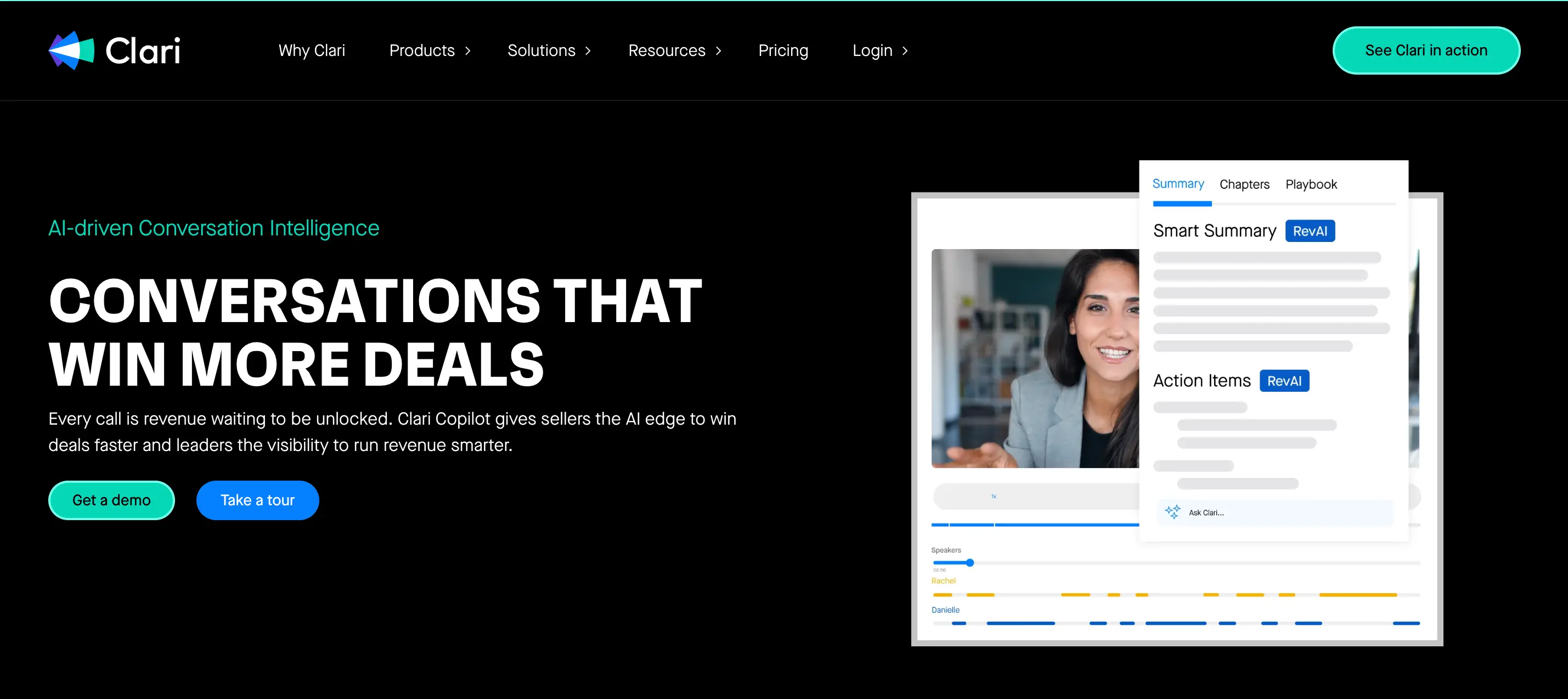
Best for: sales teams already using Clari for forecasting, pipeline reviews, or revenue operations.
Clari Copilot makes the most sense when Clari is already part of the revenue process.
On its own it does the usual conversation intelligence work: records calls, creates transcripts, helps with summaries, and gives managers material for coaching. The more useful part is where it sits. Copilot is not trying to be a separate call library on the side. It brings call context into the same place where teams already look at pipeline, forecast, and deal health.
That can be helpful in a forecast review. A rep may say the deal is still on track, but the latest call tells a quieter story. Maybe the buyer asked good questions but did not commit to a date. Maybe a competitor came up twice. Maybe the champion sounded supportive but still needs approval from someone who was not on the call.
Copilot is also one of the two tools here with genuine live coaching, surfacing battlecards and answer prompts while the call is still happening.
Where to be careful. Fit. If the team is not using Clari deeply, Copilot means buying into a larger operating system to solve a conversation intelligence problem. We cover that trade-off in Clari vs Gong vs an all-in-one platform.
Pricing / trial: quote-based. Clari's pricing page asks buyers to request a quote rather than showing a self-serve price.
6) Avoma
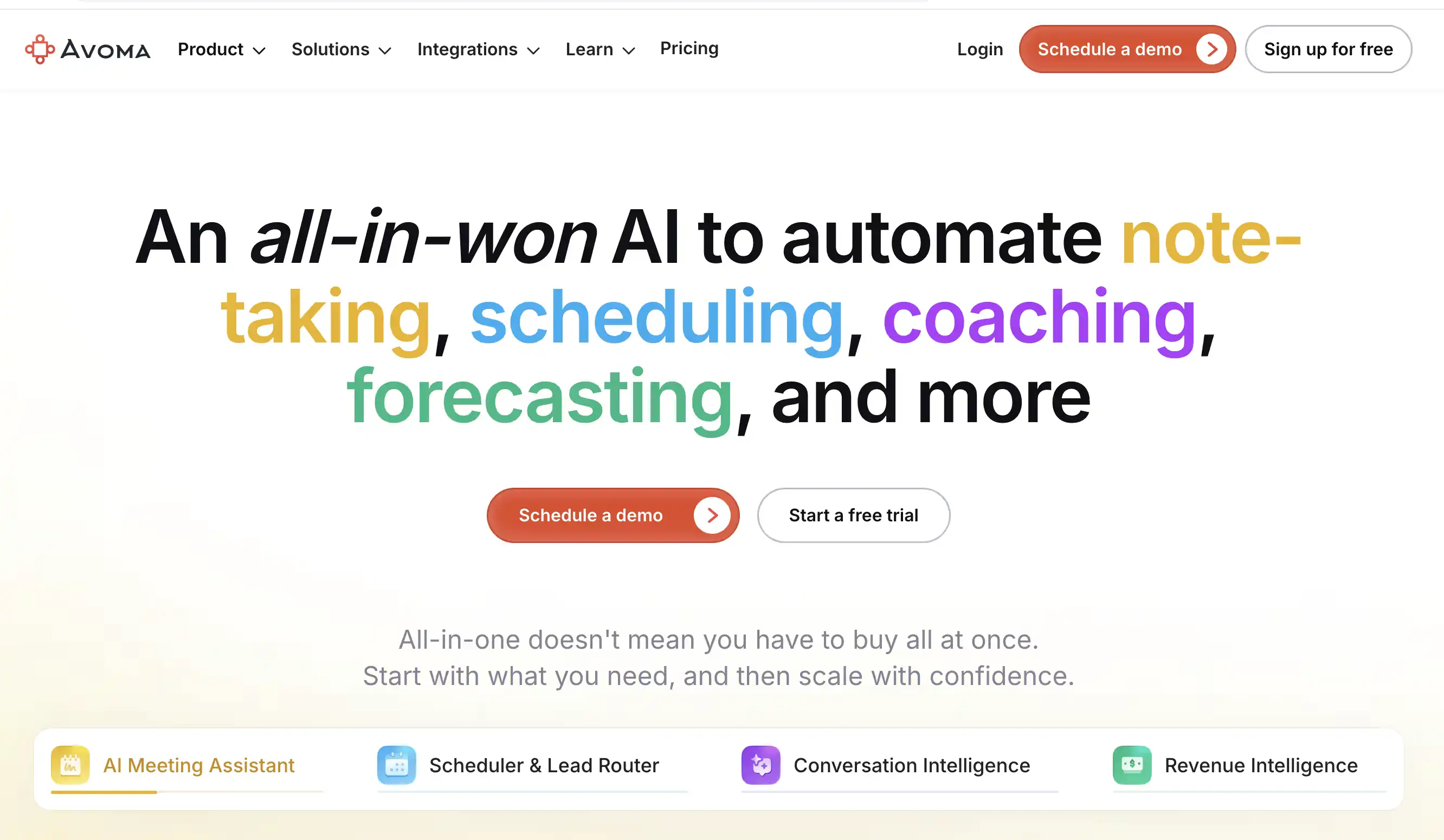
Best for: SMB and mid-market teams that want meeting notes, call scoring, coaching, and CRM updates without a heavy rollout.
Avoma works best when the sales team is past basic note-taking but not ready for a big enterprise system.
That is a common stage. Reps are taking more calls. Managers want to coach more than one or two recordings a week. CRM updates are starting to slip. Everyone agrees the calls have useful signals, but nobody has time to dig through every transcript.
Avoma helps with that middle layer. It records the meeting, writes the notes, drafts the follow-up, and pushes updates into CRM. Then the manager gets enough structure to review the conversation without starting from a blank recording. Call scores, trackers, coaching recommendations, and searchable moments make it easier to see where discovery was weak or which objections keep repeating.
Where it is not the right choice. Avoma is not the tool to pick if the main problem is a complex enterprise forecast. Its strongest value stays close to the meeting itself. That distinction is worth reading up on in MaxIQ vs Avoma.
Pricing / trial: conversation intelligence listed at $29 per seat per month billed annually, as an add-on to recorder seats. Free plan and trial available.
7) Salesloft
Best for: teams already running sequences in Salesloft that want conversation intelligence in the same platform rather than beside it.
Salesloft is the one entry on this list that most buyers do not shortlist as a conversation intelligence tool, because they think of it as a sequencing platform. Its conversation intelligence ships inside the Advanced tier alongside pipeline generation, rep coaching, and opportunity management.
That bundling is the whole argument for it. If reps already live in Salesloft all day, the call recording, transcript, and coaching notes appear in the same place as the cadence, the email thread, and the opportunity. Nobody has to adopt a second tool, and there is no separate call library to remember to open.
It is also relevant right now for a structural reason. The Clari and Salesloft merger puts sequencing, conversation intelligence, and forecasting under one roof, which changes the shortlist for a lot of teams currently running Clari Copilot and Salesloft as separate line items.
Where it is not the right choice. If you are not already a Salesloft customer, the conversation intelligence alone is not a reason to become one. The analysis depth does not match Gong or Jiminny, and you would be buying a sequencing platform to get it. See MaxIQ vs Salesloft for the fuller comparison.
Pricing / trial: quote-based. Conversation intelligence is included in the Advanced tier rather than sold separately.
8) Fireflies.ai
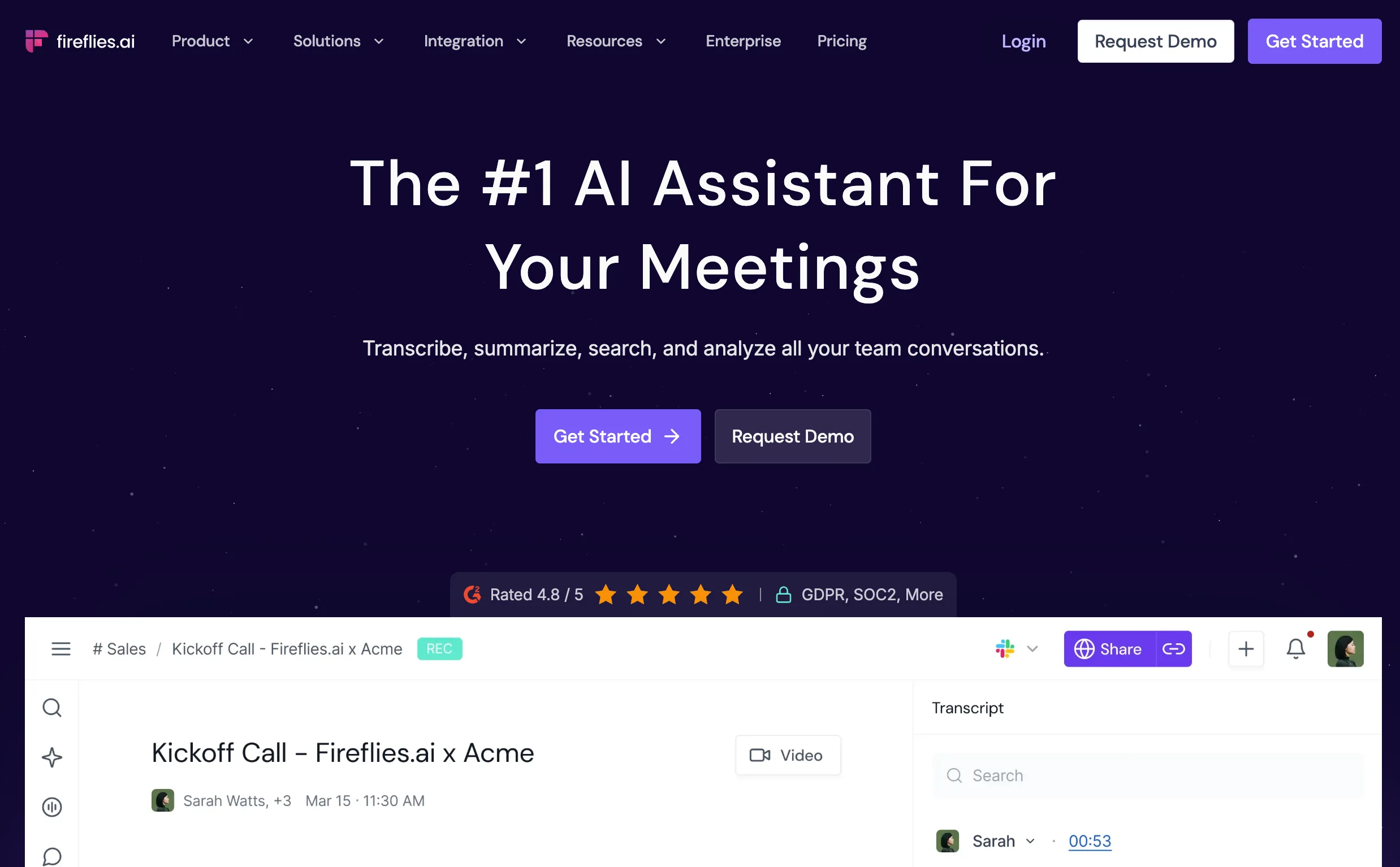
Best for: teams that want meeting transcripts and summaries without buying a bigger sales platform.
Fireflies shows up in a lot of companies before anyone is seriously shopping for conversation intelligence. Someone on the team starts using it because they are tired of taking notes. A few more people adopt it. Soon every customer call has a transcript and nobody is asking whether anyone wrote down what the buyer said.
That is where Fireflies wins. Not forecasting, not coaching programs, not deal reviews. Just making conversations easy to revisit.
Need the exact wording from a call three weeks ago? It is there. Need to remember what was promised in the last meeting? It is there. Need to find the moment a prospect mentioned a competitor? Search for it. For a small company, that alone can be enough value.
Where it is not the right choice. The limitation becomes obvious when managers start asking harder questions. Which deals are getting weaker? Which reps need coaching? Which opportunities look healthy in CRM but shaky in the actual conversations? Fireflies is not built to answer those.
Pricing / trial: free plan available. Paid plans start at $10 per user per month billed annually, $18 monthly.
9) Granola
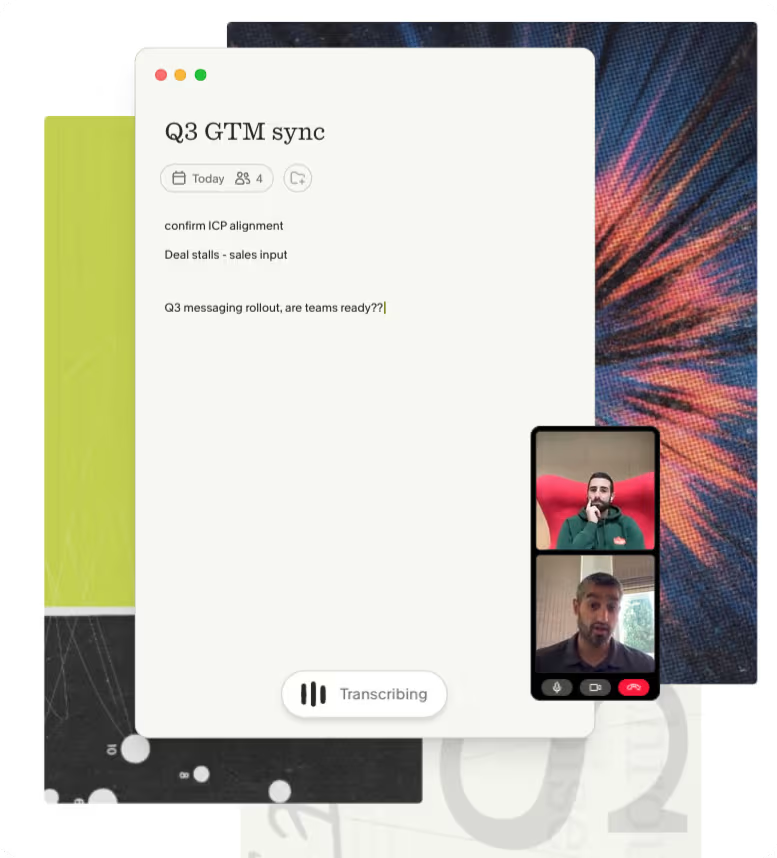
Best for: individuals and teams that want AI meeting notes without a bot joining every call.
Granola became popular for a reason.
A lot of people were tired of meetings where another participant would suddenly appear named "AI Notetaker" or "Meeting Assistant." Customers noticed it. Prospects noticed it. Some teams did not care. Others hated it.
Granola took a different approach. Instead of joining the meeting as a visible participant, it quietly captures notes from the conversation and turns them into something useful afterward. That alone is enough for some buyers to choose it over more traditional meeting assistants.
The experience feels closer to having a very good notebook than adopting a new sales platform. You have the conversation. Granola organises what happened. A few days later, when someone asks what was agreed, the answer is easy to find.
Where it is not the right choice. Granola is not trying to tell a manager which deal is slipping. It does not score calls or inspect pipeline health. There is also no native Salesforce integration, which rules it out for most enterprise sales orgs immediately.
Pricing / trial: free plan available. Business starts at $14 per user per month, monthly billing only.
Which conversation intelligence tool fits which job?
After comparing nine tools, here is the quickest way to narrow the list.
Pipeline reviews and forecasting: EchoIQ. Built for the point where the question stops being what happened on the call and becomes did this deal actually move. Conversation signals update deal health, risk, and forecast rather than sitting in a call library.
Enterprise coaching and rep scorecards: Gong and Chorus. Deepest analytics at scale, and the largest call libraries to coach from. Ask whether managers can create and change scorecards without admin help.
Mid-market coaching on a real budget: Jiminny and Avoma. Most of the coaching capability at a fraction of enterprise cost, with published pricing you can plan around.
Live guidance during calls: Clari Copilot and Avoma. These two support reps while the conversation is happening, rather than only analysing it afterwards.
Already in a sequencing platform: Salesloft. The bundling argument is strong if reps already work there all day.
Searchable call libraries: Gong, Chorus, and Fireflies. Test whether search works across every recorded conversation, not just within one meeting.
Small teams and meeting notes: Granola and Fireflies. When the team mainly needs transcripts, summaries, and easy search, a larger coaching platform is unnecessary.
Teams already using ZoomInfo: Chorus. Its strongest advantage is how naturally it fits the wider ZoomInfo stack.
What does conversation intelligence software cost?
Pricing in this category is deliberately hard to compare, because vendors price on different units. Here is the honest shape of it.
Entry tier, roughly $0 to $20 per user per month. Fireflies and Granola live here. You get transcription, summaries, and search. You do not get scorecards, deal risk, or meaningful CRM automation.
Mid-market, roughly $29 to $85 per user per month. Avoma's CI add-on at $29 and Jiminny's recording seat at $83 define this band. This is where real coaching capability starts. A 10-person team lands somewhere between roughly $3,500 and $10,000 a year.
Enterprise, quote-only. Gong, Chorus, and Clari Copilot do not publish rates. Gong in particular prices per seat plus a separate platform fee, which is the line item that surprises buyers. Public review data suggests enterprise deployments commonly land in the mid five figures and up annually, depending heavily on seat count and negotiation.
Usage-based. EchoIQ prices on consumption rather than seats, which changes the maths for teams where only some people take customer calls.
The costs that are not on the pricing page
Four things inflate the real number.
Platform fees. Separate from per-seat cost. Ask for the total contract value, not the per-user rate.
Minimum seat counts. Some vendors will not sell below a floor, which means a 12-person team may pay for 25.
Implementation. Ask whether onboarding is included or billed. For enterprise tools it is often billed.
Contract length. A 12-month minimum is standard. Multi-year discounts look attractive and remove your ability to leave if adoption fails.
The number that matters is total annual cost for your actual team size, quoted in writing, including every fee. Ask for that and compare it across three vendors before you take a demo.
Questions to ask during the demo
A polished demo makes every platform look similar. These questions expose the real differences.
What updates in CRM automatically? Ask which fields are written back without rep input. Not "we integrate with Salesforce" — field-level mapping.
Can managers build scorecards themselves? Check whether changes need admin or vendor support.
How does search work across all calls? Ask the vendor to find one objection or competitor mention across the full library, live, during the demo.
How is deal risk calculated? Make them show the signals behind the score, not just the dashboard.
Which features require a higher plan? Confirm that coaching, CRM sync, analytics, and live guidance are included in the tier being quoted.
What does rollout look like in the first 30 days? Ask who owns setup, how long before managers see useful data, and what happens if reps do not adopt it.
What is the total annual cost at our seat count, including platform fees? Get it in writing.
The answers to these matter more than the demo itself.
Common mistakes that waste budget
- Teams buy transcripts when they needed coaching.
- They buy dashboards when they needed workflow automation.
- They roll tools out to reps before managers are trained.
- They score the demo instead of the behaviour the tool is supposed to change.
- They sign a multi-year contract before proving adoption in one team.
Conversation intelligence only works when leaders use it first. If managers do not change how they run deal reviews within a month of rollout, the tool will not deliver a return no matter which logo is on it.
When conversation intelligence needs to change the deal
Recording the call is only useful when the rest of the revenue process benefits from it.
MaxIQ connects customer conversations to CRM, deal reviews, pipeline risk, coaching, and forecasting. Managers can see where buyer evidence is missing, which next steps are weak, and whether the deal moved after the meeting, instead of waiting for the next forecast call.
It is a stronger fit for revenue teams that have outgrown standalone transcripts and call libraries and need conversation data to shape what happens next.
{{ci-card}}
Every capability walked through one by one, with screenshots from real calls.
.avif)


.webp)